
Many vaping enthusiasts are interested in the Lost Mary Charging Light. It plays a crucial role in understanding the status of your Lost Mary vape's battery and ensures that you have a seamless vaping experience. In this comprehensive guide, we will explore everything you need to know about the Lost Mary Charging Light, from instructions on how to charge your Lost Mary vape to the meaning of different charging colors. So, whether you are a beginner or a seasoned vaper, this article is here to provide you with valuable insights into the world of Lost Mary vape charging.
Lost Mary Charging Light Instructions
Let's start with the basics: Understanding the instructions for the Lost Mary Charging Light Instructions. It's important to know how to charge a Lost Mary vape if you have just purchased one or are considering purchasing one.
How does a Lost Mary vape get charged?
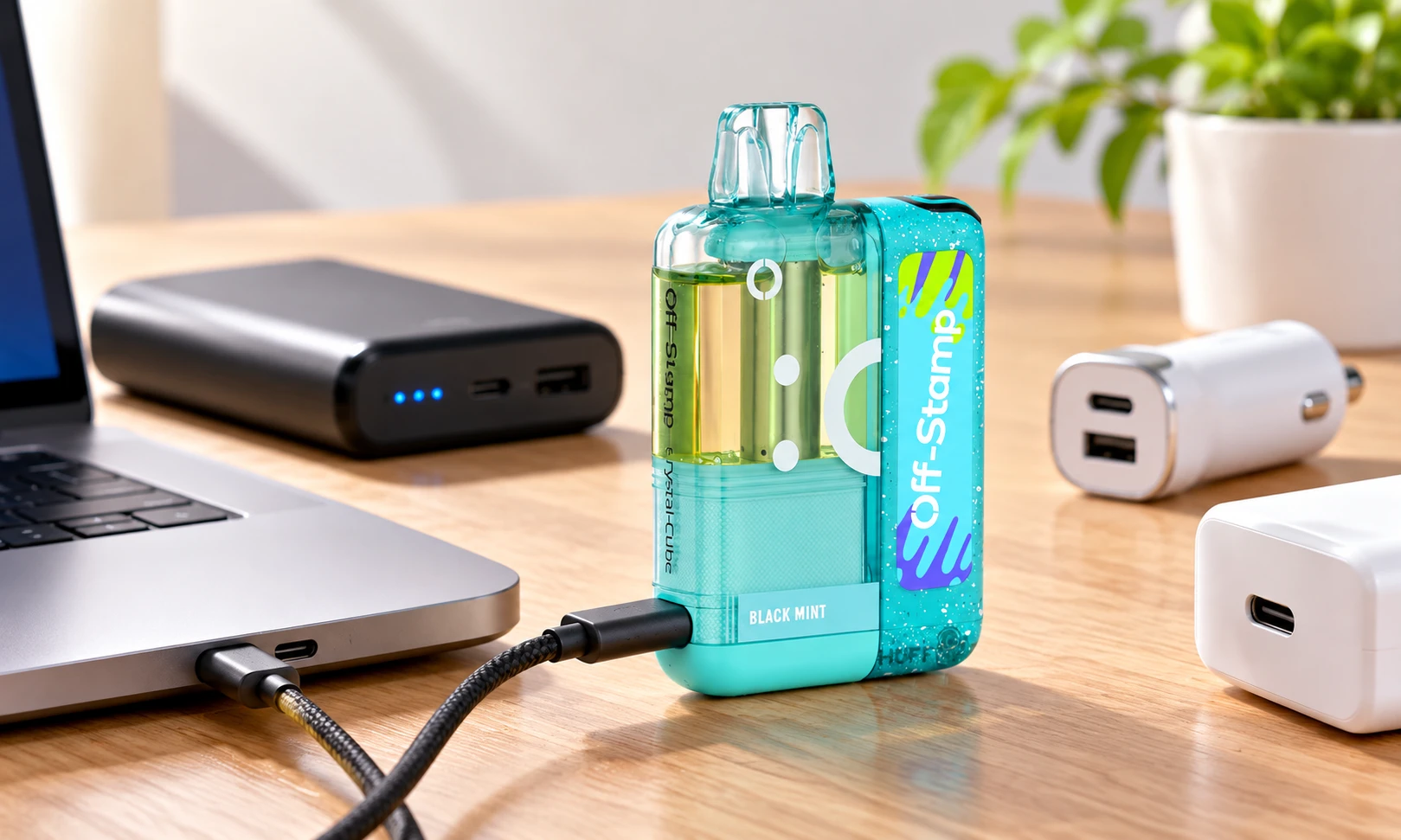
You can charge your Lost Mary vape in a few simple steps. The first step is to locate your device's charging port. Vapes usually have one at the bottom.
What type of charger does it use?
Lost Mary vapes use a Type-C cable for charging. The use of this modern and widely accepted charging standard ensures that users are able to charge quickly and efficiently.
What is the charge time of a Lost Mary Vape?
Lost Mary vapes take a certain amount of time to charge, depending on their model. It usually takes Lost Mary vapes between 30 minutes and two hours to charge. Charge status must be monitored, however, as exact charging times may vary.
Instructions for charging your Lost Mary Vape
Now that we've covered the specifics for OS5000 and MO5000 models, let's delve into some general instructions that apply to all Lost Mary vapes.
- Find the charging port:
Regardless of the model, you should always start by locating the charging port on your Lost Mary vape. A device's bottom typically contains this button.
- The Type-C cable needs to be plugged in as follows:
In order to charge your Lost Mary vape, insert one end of the Type-C cable into its charging port.
- Plug in a power source:
A USB wall charger, a computer, or a power bank is a good choice for the other end of the cable. Connect the power source to a stable electrical source and ensure it is active.
- This is how long it takes to charge:
Lost Mary vapes begin charging once they are connected to a power source. The Charging Light displays the progress of the charging process. It's crucial not to leave your vape unattended while charging, as safety is a priority.
- Green Light for 70% Charge:
In many cases, the Charging Light will turn green when the battery reaches approximately 70% charge. This indicates that your vape is nearing readiness for use. However, for the best performance and battery longevity, it's advisable to allow it to charge fully.
- Avoid overcharging:
Overcharging your Lost Mary vape can have adverse effects on the battery's lifespan and performance. To prevent this, unplug the charger once the Charging Light turns solid green, indicating a full charge.
Charging Instruction For Your Lost Mary OS5000
If you own a Lost Mary OS5000, the charging process is quite straightforward. Follow these steps:
- Find the charging port:
Locate the charging port at the bottom of your Lost Mary OS5000 vape. It is usually concealed for protection.
- Plug in the Type-C cable:
A Type-C cable should be connected to the OS5000's charging port.
- Plug in a power source:
A USB wall charger or a laptop can be used as a power source on the other end of the cable. Power must be turned on.
- Charging time:
Charge will begin as soon as Lost Mary OS5000 is connected to a power source. The Charging Light indicates the progress of the charging process. When charging your vape, you should not leave it unattended.
- The 70% charge is green:
The Lost Mary Charging Light will usually turn green when the battery is charged to around 70%. This indicates that your vape is almost ready for use. However, it's advisable to let it charge completely for optimal performance.
- Overcharging should be avoided:
The Lost Mary OS5000 should not be overcharged. You should unplug the charger once the Charging Light turns solid green to avoid overcharging, which can shorten the life of the battery.
Charging Instruction For Your Lost Mary MO5000
For Lost Mary MO5000 owners, here are the specific charging instructions:
- Locate the charging port:
The charging port for your Lost Mary MO5000 is also situated at the bottom of the device.
- The Type-C cable should be connected as follows:
Your MO5000 vape's charging port should accept a Type-C cable.
- Plug in a power source:
You can get power from a computer or a wall adapter at the other end of the cable. Ensure the power source is active.
- Monitor the Charging Light:
Keep an eye on the Charging Light to track the progress of your MO5000's charging process. It's essential not to leave it unattended while charging.
- Green Light for 70% Charge:
Similar to the OS5000 model, your Lost Mary MO5000's Charging Light will often turn green when the battery reaches around 70% charge. However, it's recommended to let it charge fully for the best results.
- Prevent overcharging:
Overcharging will cause the MO5000's Charging Light to turn solid green. Overcharging a battery can reduce its lifespan.
An easy way to check a battery's charge
Understanding the charge status of your Lost Mary vape is vital for an uninterrupted vaping experience. The Charging Light serves as your indicator.
Common Issues Facing while charging
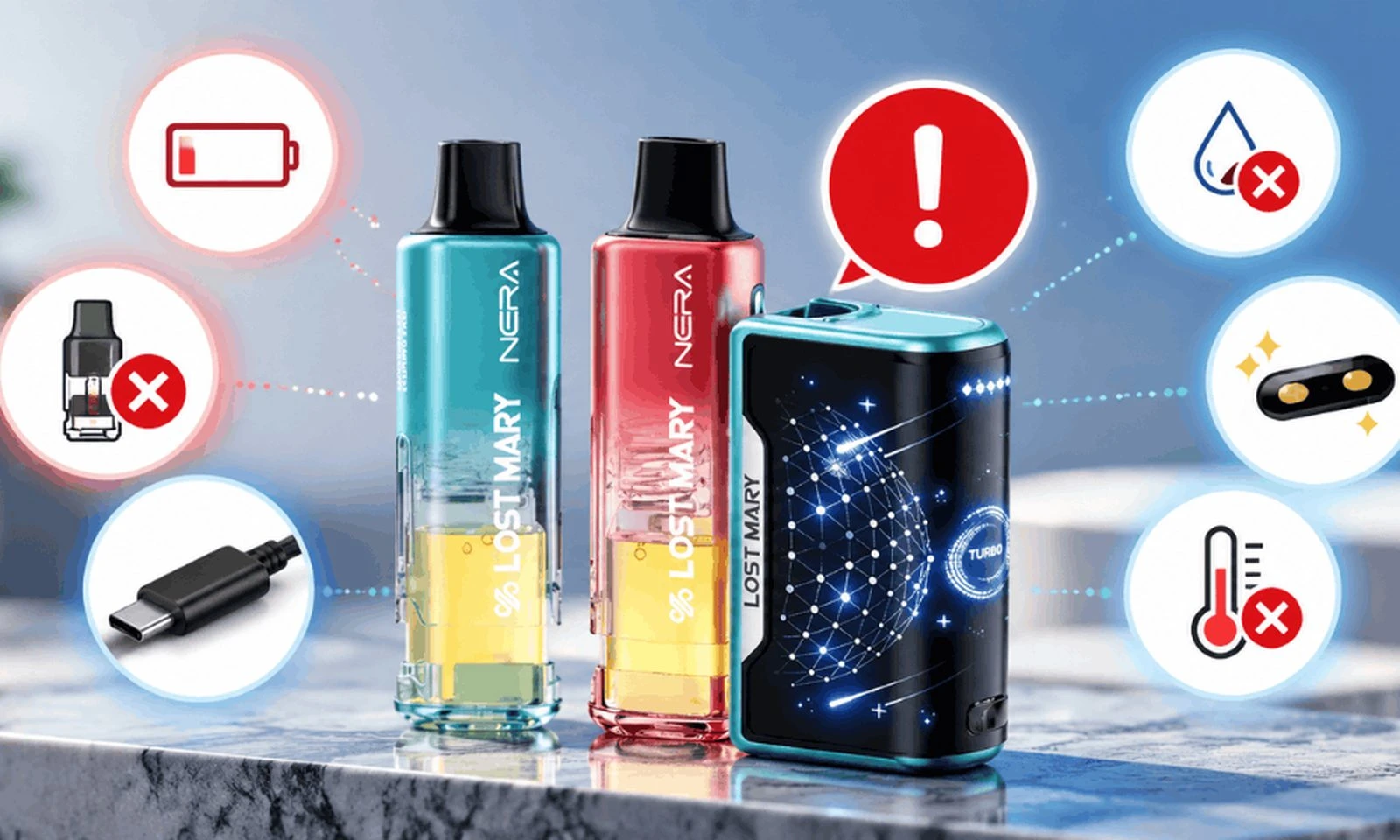
There are a few common issues you may encounter when charging your Lost Mary vape.
Are there any ways to fix it?
Here are solutions to some common charging problems:
- Slow Charging: If your Lost Mary vape is charging very slowly, try using a different Type-C cable or a more powerful charger. Sometimes, using a low-output charger can extend the charging time.
- Charging Light Not Turning On: If the Charging Light doesn't illuminate when you plug in your vape, ensure that the power source is functioning correctly. Try a different power source or cable.
- Lost Mary Not Charging: If your vape is not charging at all, it may be due to a faulty charger or charging port. If you need assistance, please contact Lost Mary's customer support.
- Overheating: Overheating while charging is dangerous. Contact customer support immediately if your vape becomes excessively hot during charging.
- Lost Mary Charging Light Blinking: A blinking Charging Light can indicate a problem with the connection between the charger and the vape. Check the cable and port for debris or damage. If the issue persists, consult customer support.
What is the battery life of a Lost Mary Vape?
Knowing the battery life of your Lost Mary vape is essential for planning your vaping sessions.
What Are The Lost Mary Vape's Charging Colors?
The Charging Light on your Lost Mary vape may display different colors to convey specific information about the battery status. Understanding these colors is crucial for an optimal vaping experience.
What Are The Different Charging Colors And Their Meaning?
Charging lights come in the following colors and meanings:
- Red Light Means:
A red Charging Light typically indicates that your Lost Mary vape is in the process of charging. There is still a charge in the battery, which indicates that it hasn't been fully charged.
- Blue Light Means:
A blue Charging Light often signifies that your vape is ready for use. The battery is charged and ready to provide you with a satisfying vaping experience.
- Green Light Means:
A green Charging Light can have different meanings depending on your Lost Mary model. It might indicate that your vape has reached around 70% charge, as mentioned earlier. In some models, it might signify a full charge. The user manual for your device contains detailed information.
What the Reasons for a Lost Mary Vape Blinking Red While Charging
If you encounter a blinking red Charging Light while charging your Lost Mary vape, it's essential to understand the potential reasons behind it.
Tips for Charging Your Lost Mary Rechargeable Vapes
Now that you're well-acquainted with the Lost Mary Charging Light and its functions, here are some essential tips to ensure a smooth and trouble-free charging experience:
- Use Genuine Chargers: Always use the original charger provided by Lost Mary or trusted third-party chargers compatible with your device. Using inferior or counterfeit chargers can damage your vape and pose safety risks.
- Keeping your Vape's Charging Port Clean: Make sure your vape's charging port is regularly cleaned and inspected. The connection can be hindered by dust, debris, and residue, which can cause charging issues.
- Avoid Extreme Temperatures: Charging your Lost Mary vape in extreme temperatures (extremely hot or cold) can harm the battery. Charge your device in a moderate climate for optimal performance.
- Don't Over-tighten: When connecting the Type-C cable, avoid over-tightening or applying excessive force. Gently insert the cable to prevent damage to the port.
- Monitor While Charging: As mentioned earlier, always keep an eye on the Charging Light while your vape is charging. In order to prevent overcharging, unplug it when the Charging Light indicates it is complete.
Conclusion
In conclusion, understanding the Lost Mary Charging Light is essential for any Lost Mary vape user. It ensures that you can charge your device safely and effectively, leading to a better vaping experience. By following the instructions provided in this guide and adhering to the recommended tips, you can enjoy your Lost Mary vape to the fullest.
Frequently Asked Questions (FAQs) :
1. Would it be possible to recharge Lost Mary's vape?
Absolutely! The Lost Mary vape is rechargeable. You can recharge your Lost Mary vape using the provided Type-C cable and a compatible power source.
2. What is the charge time for Lost Mary's rechargeable vapes?
There can be a difference in charging time between Lost Mary rechargeable vapes based on the model. You will need to charge your Lost Mary vape for between 30 minutes and two hours before it is fully charged. However, precise charging times may vary, so it's essential to monitor the Charging Light during the process.
3. Is it possible to use my Lost Mary rechargeable vape while it is charging?
In most cases, it is not recommended to use your Lost Mary rechargeable vape while it is charging. In addition to increasing battery stress, vaping while charging may affect charging in general. Before using your vape, make sure it's fully charged.
4. Would it be okay to leave a Lost Mary in charge overnight?
Once the Charge Light indicates that your Lost Mary vape is fully charged, it is recommended that you unplug it from the charger. Battery performance and lifespan can be negatively affected by overcharging.
5. Are my Lost Mary rechargeable vapes compatible with different charging cables?
Lost Mary vapes are typically designed to be compatible with Type-C charging cables. However, it's crucial to use the provided charger or a trusted, compatible charger to ensure safe and efficient charging.
6. Can you tell me what I need to do if I have any issues charging my Lost Mary rechargeable vapes?
If you experience any issues while charging your Lost Mary vape, such as slow charging, a non-responsive Charging Light, or other problems, consider the following steps:
- Check the charging cable and port for debris or damage.
- Depending on what causes the problem, you may need to use a different source of power or cable to charge your device.
- Power sources should be working properly.
- Customer support can assist you if the issue persists.
7. What is the maximum charge for a disposable vape Lost Mary?
Typically, disposable Lost Mary vapes have no rechargeable batteries and are designed for single use. These batteries come pre-charged to ensure that they will last until they are completely depleted. Dispose of the device once the battery has run out.
8. Why doesn't my Lost Mary light up when charging?
If you're Lost Mary vape's Charging Light does not illuminate when connected to a charger, check the following:
- Ensure the charger is functioning correctly.
- Inspect the charging cable and port for debris or damage.
- If the charger and power source do not work, try another one.
- Customer support can assist you if the problem persists.
9. How do I know when Lost Mary is fully charged?
The Charging Light on your Lost Mary vape will typically turn a specific color, such as green or blue, to indicate a full charge. Refer to your device's user manual for precise information on what color signifies a full charge for your specific model.
10. Why is my Lost Mary light red?
A red Charging Light on your Lost Mary vape typically indicates that the device is in the process of charging. Charge is being received by the battery, but it has not yet reached its full capacity.
11. What does the blue light on Lost Mary mean?
A blue Charging Light on your Lost Mary vape typically signifies that the device is fully charged and ready for use. A fully charged battery makes vaping more enjoyable.
12. How long does Lost Mary MO5000 take to charge?
Charge times for Lost Mary MO5000 generally range from 30 minutes to 2 hours. However, precise charging times may differ, so it's essential to monitor the Charging Light during the process.
13. What is the battery life of a Lost Mary OS5000?
Based on how Lost Mary OS5000 is used, the battery life may vary. An OS5000 vape with a full charge typically lasts several hours. It depends on factors such as vaping frequency and settings whether batteries last longer or shorter.
14. Can you tell me when my Lost Mary has finished charging?
Your Lost Mary vape will display a Charging Light when it is fully charged. It will typically change to a specific color, such as green or blue, indicating that the battery is fully charged. Your device's user manual will tell you what charging indicator it uses.
If you have more queries related to "Lost Mary Disposable Vape," don't hesitate to contact our support team via email at "xyz@gmail.com" to get clarification for all your questions. If you have any questions, please do not hesitate to contact us. To learn more about Lost Mary vape, visit our Lost Mary blog section and get answers to all your queries.