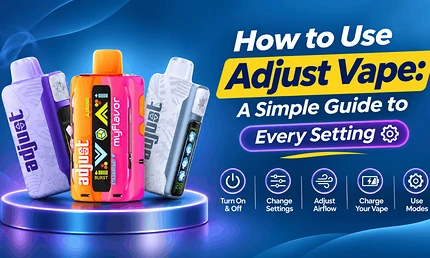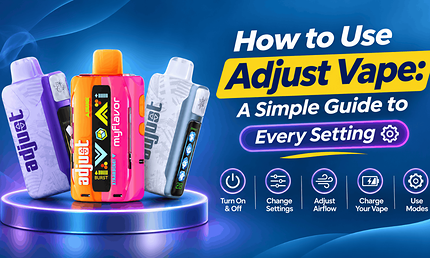
If you just picked up a new device and want to learn how to use Adjust Vape models the right way, this guide walks you through every step. To use an Adjust vape, remove any protective sticker, slide the bottom switch on if your model has one, and inhale gently through the mouthpiece to fire it. Then press the adjustment button to set your coolness, flavor mix, sweetness, or sourness, and use the bottom switch or button to choose your power mode. When the screen shows a low battery, recharge it with a standard USB-C cable.
That’s all you need to get started. Each Adjust model gives you control over a different part of the experience, though, so knowing what your button and switch actually do will help you enjoy every puff.
Table of Contents
Explore Our Categories
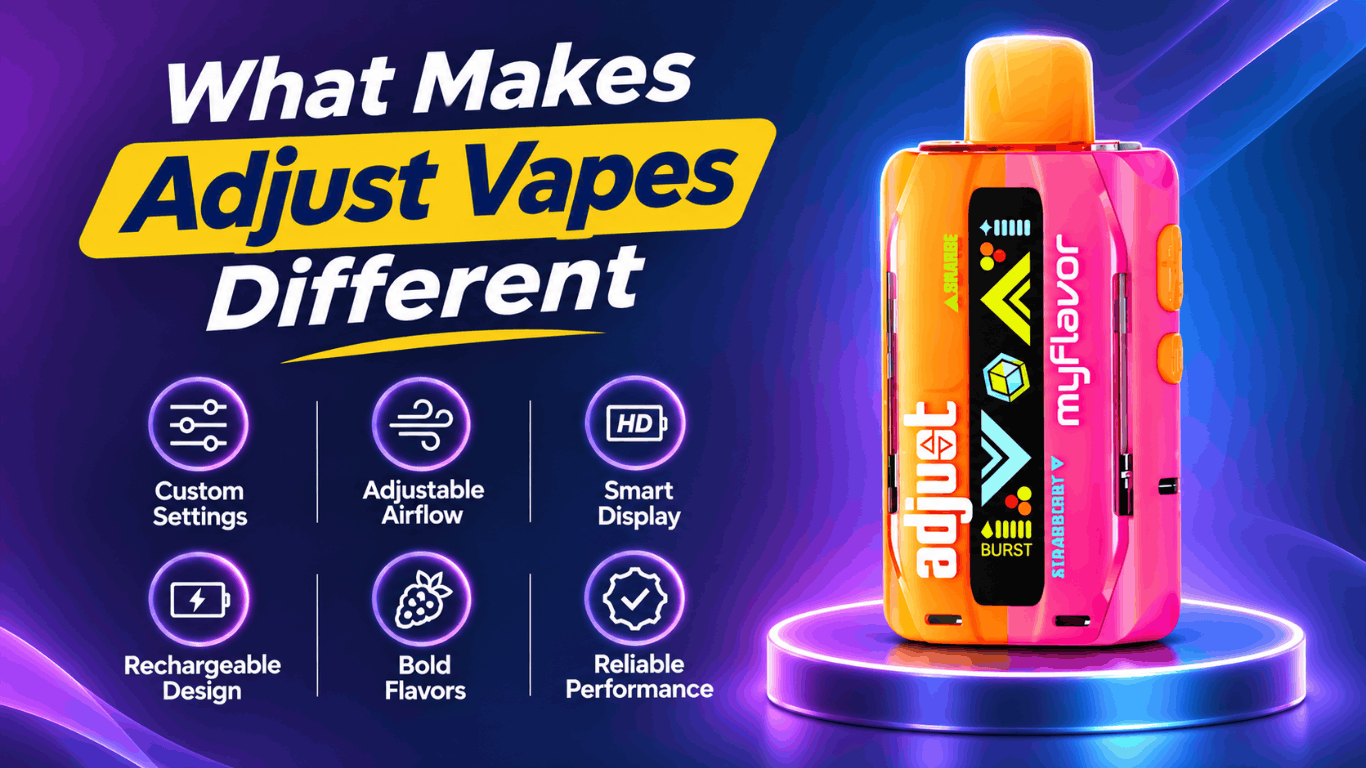
What Makes Adjust Vapes Different
Most disposables give you one fixed experience from the first puff to the last. Adjust takes a different approach. The core hardware is similar across the lineup. Each device is rated for up to 40,000 puffs on its lowest power setting and comes prefilled with 20 mL of 5% (50 mg) nicotine salt e-liquid. Each one is also draw-activated and rechargeable through USB-C, with a smart screen that shows your battery level and current setting.
What sets each model apart is the one feature you get to customize. Some let you control how icy the hit feels, while others let you shift a flavor blend or tone down sweetness. One thing stays fixed on every model: nicotine strength. Despite the brand name, you can’t adjust nicotine levels on these devices.
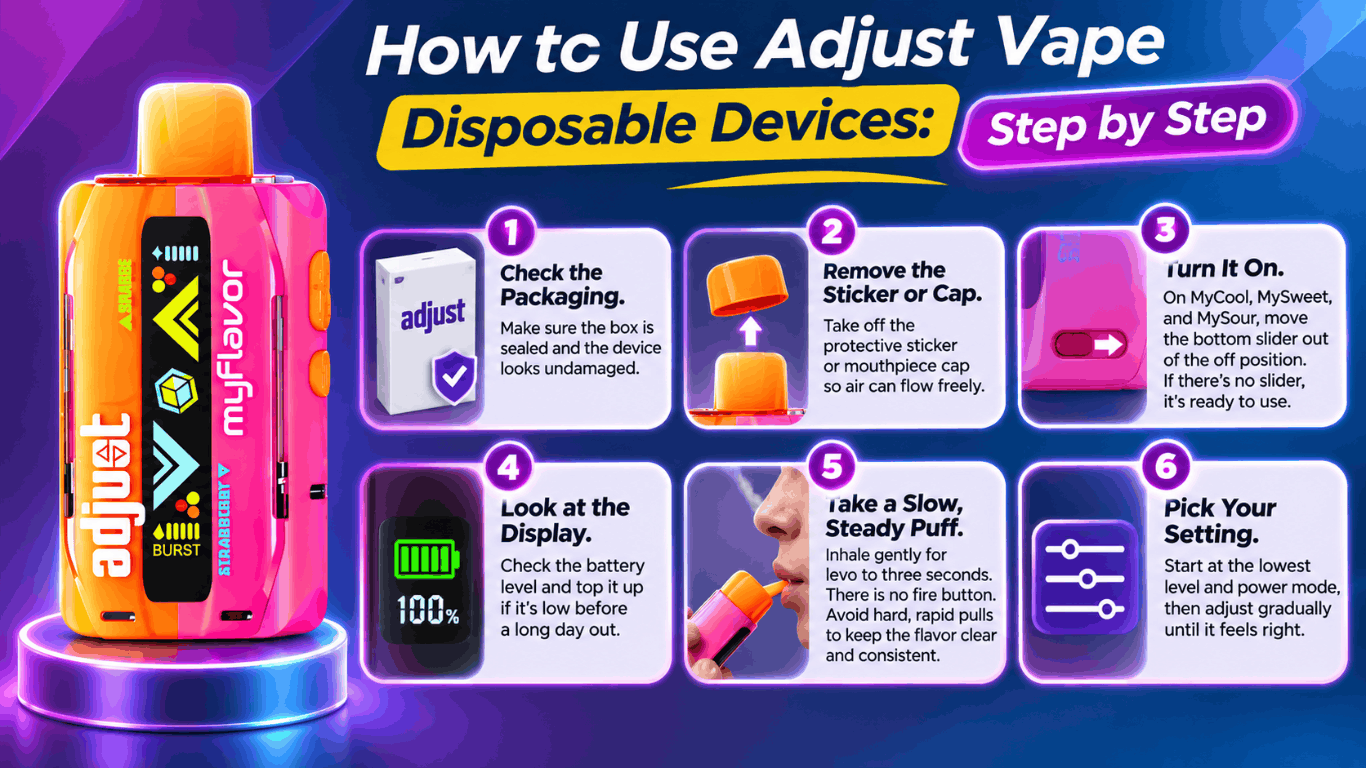
How to Use Adjust Vape Disposable Devices: Step by Step
If you’re new to the brand, follow this simple routine for your first session:
- Check the packaging. Make sure the box is sealed and the device looks undamaged.
- Remove the sticker or cap. Some units ship with a protective sticker over the airflow inlet or a cap on the mouthpiece. Take these off so air can flow freely.
- Turn it on. On MyCool, MySweet, and MySour, move the bottom slider out of the off position. If your model has no slider, it’s ready the moment you inhale.
- Look at the display. If the battery reads low, top it up before a long day out.
- Take a slow, steady puff. There is no fire button, so a gentle two- to three-second inhale works best. Hard, rapid pulls can flood the coil and mute the flavor.
- Pick your setting. Start at the lowest level and the lowest power mode, then adjust gradually until it feels right.
How to Adjust Vape Settings on Each Model
Here’s how the controls work on each device. As a rule, change one setting at a time and take a few puffs before deciding whether you like it.
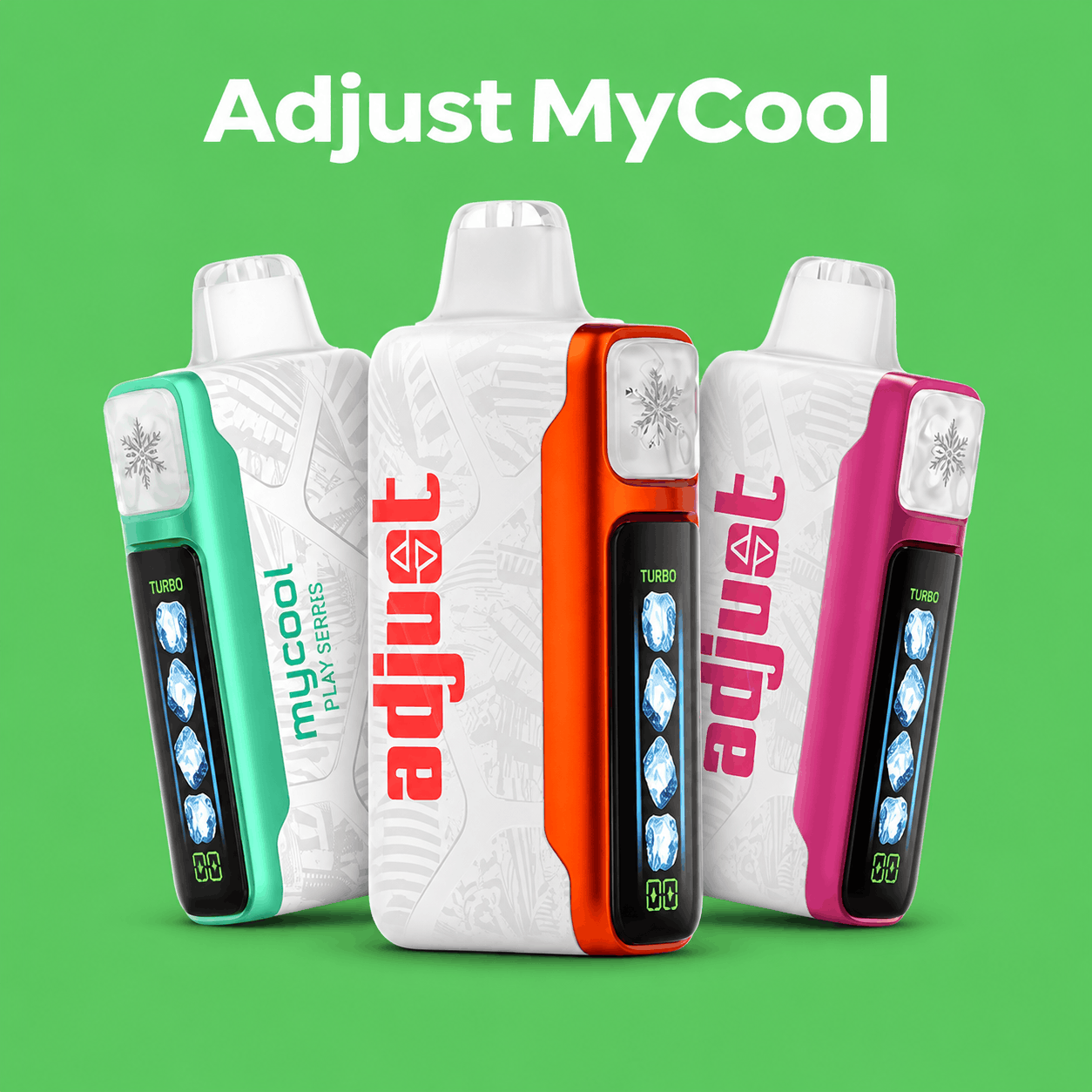
Adjust MyCool offers five ice levels: Breeze, Cool, Chill, Frost, and Arctic Freeze. You set them with the front button. Higher ice levels add a bit more throat hit, but they won’t drain your e-liquid faster. The bottom slider switches between three power modes: Turbo I, Turbo II, and Turbo III.
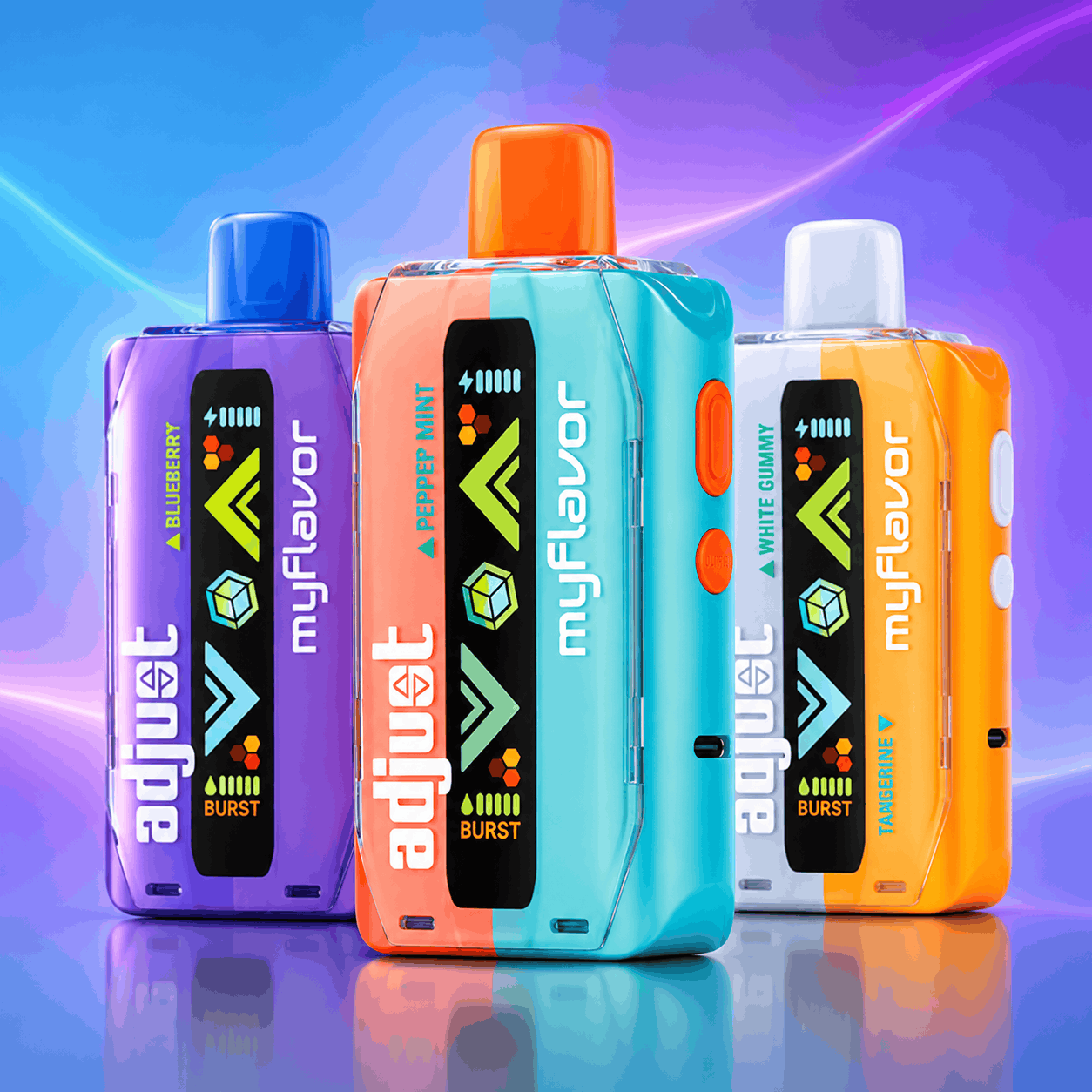
Adjust MyFlavor pairs two complementary flavors in one device. Press the button to shift the mix between an even blend and either flavor taking the lead. A separate button on the bottom switches between Normal and Burst mode.
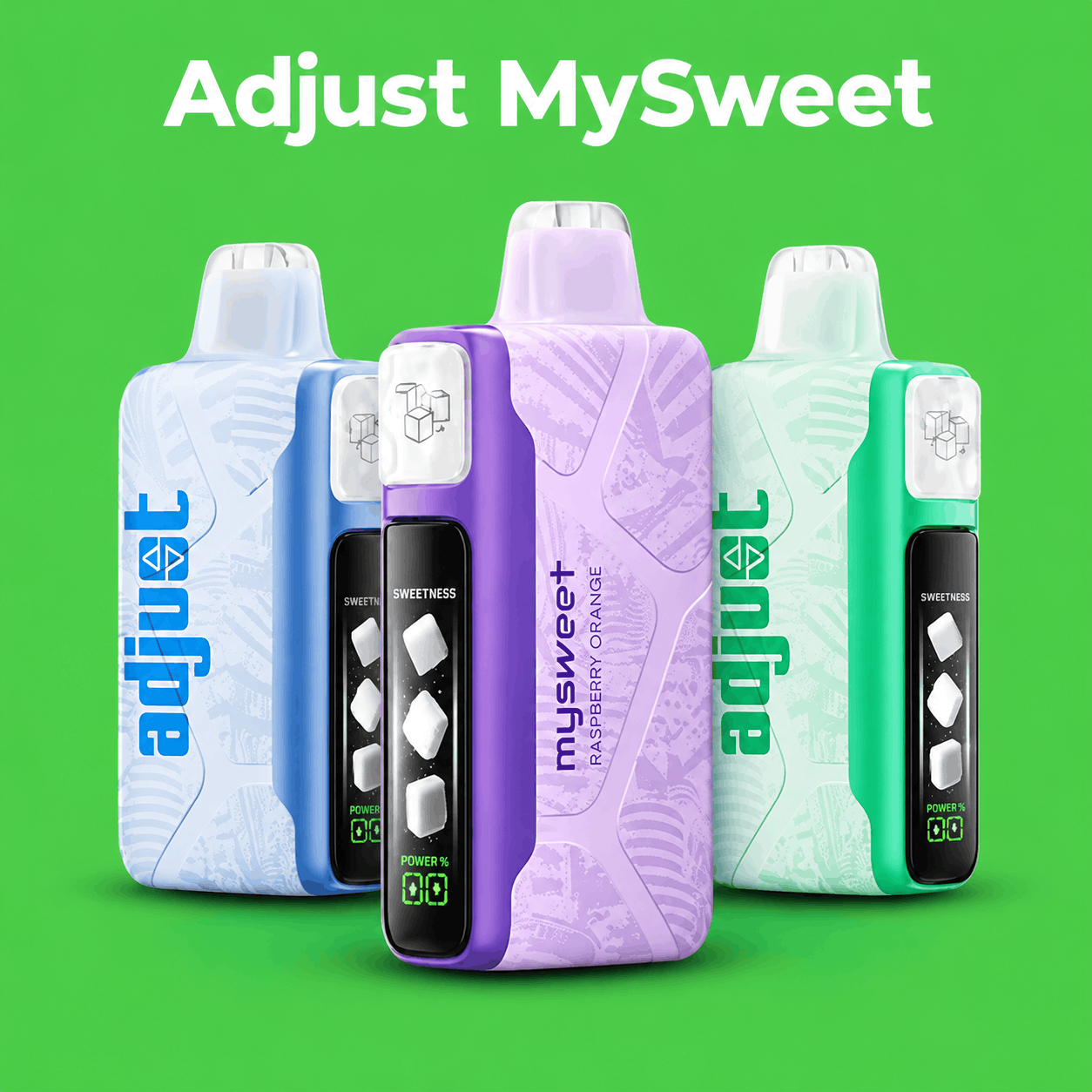
Adjust MySweet gives you four sweetness levels, shown on screen as zero to three sugar cubes. If a candy or dessert flavor starts to feel too rich, simply press the button to dial it back. Keep in mind that higher sweetness settings can use a little more battery.
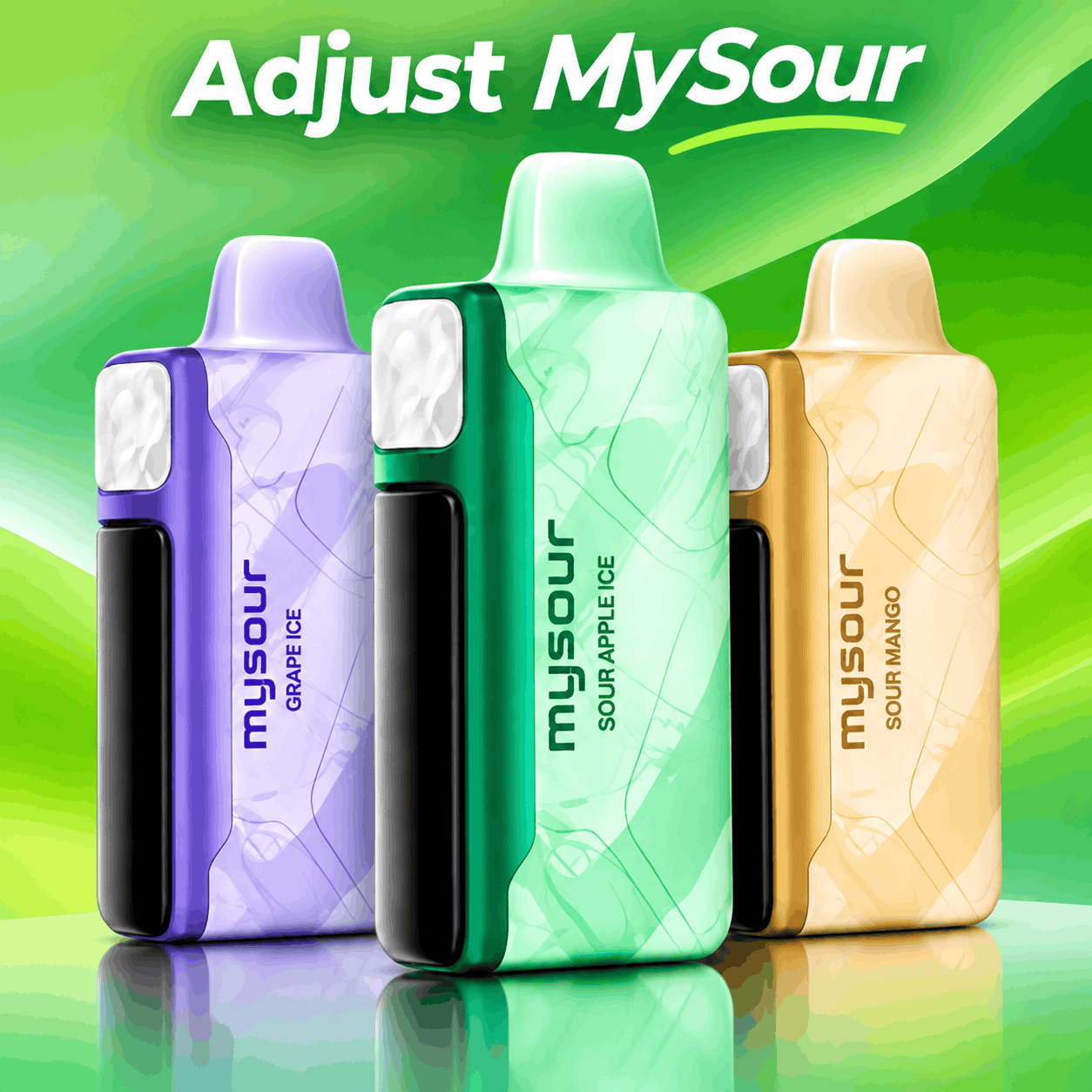
Adjust MySour works the same way, but it controls tang. Choose from four sourness levels to match your mood, and use the bottom slider to pick one of three power modes.
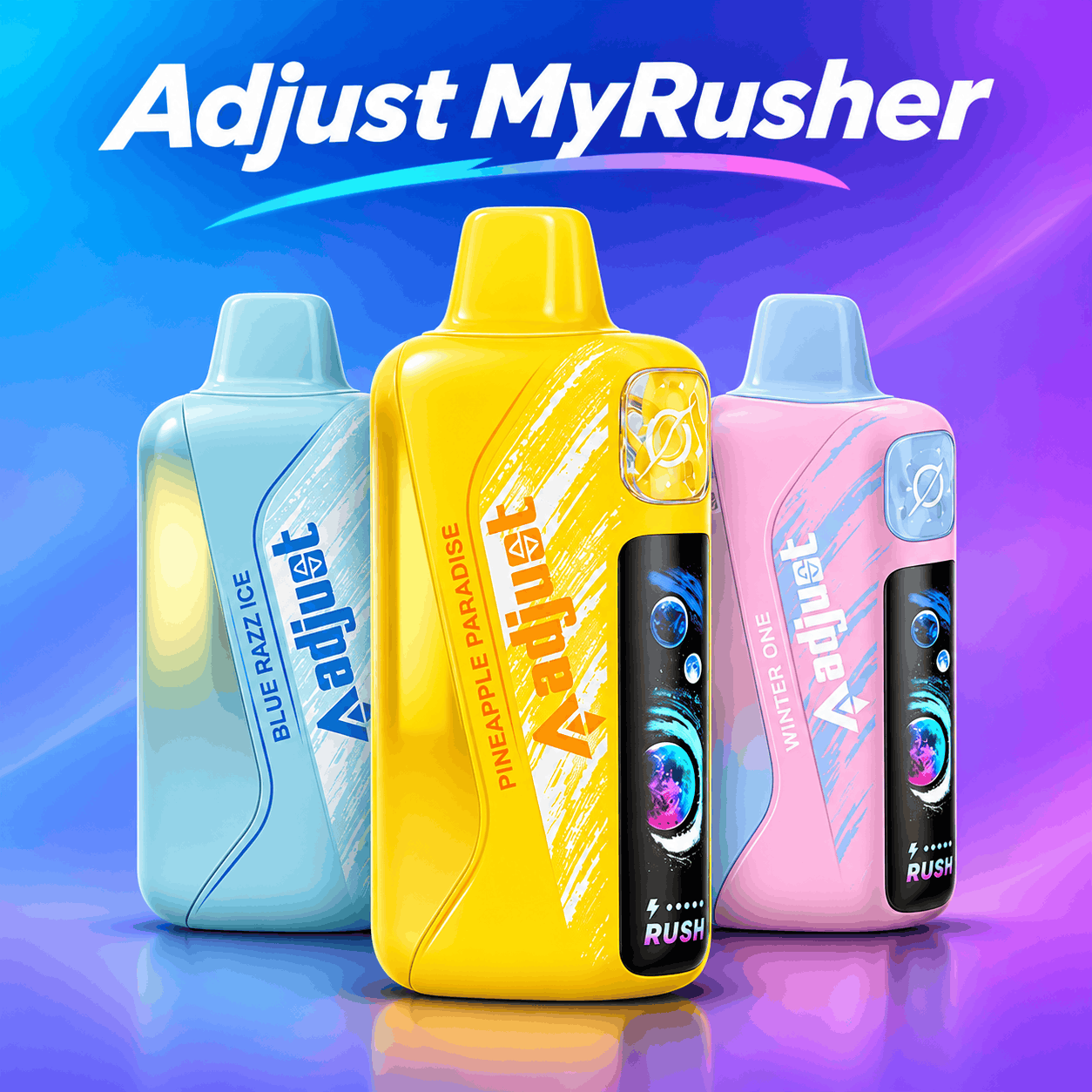
Adjust MyRusher focuses on the hit rather than the flavor. It offers three power modes, Normal, Rush, and Turbo, plus adjustable airflow. It also has a 1,000 mAh battery and a transparent tank, so you can check your e-liquid at a glance.
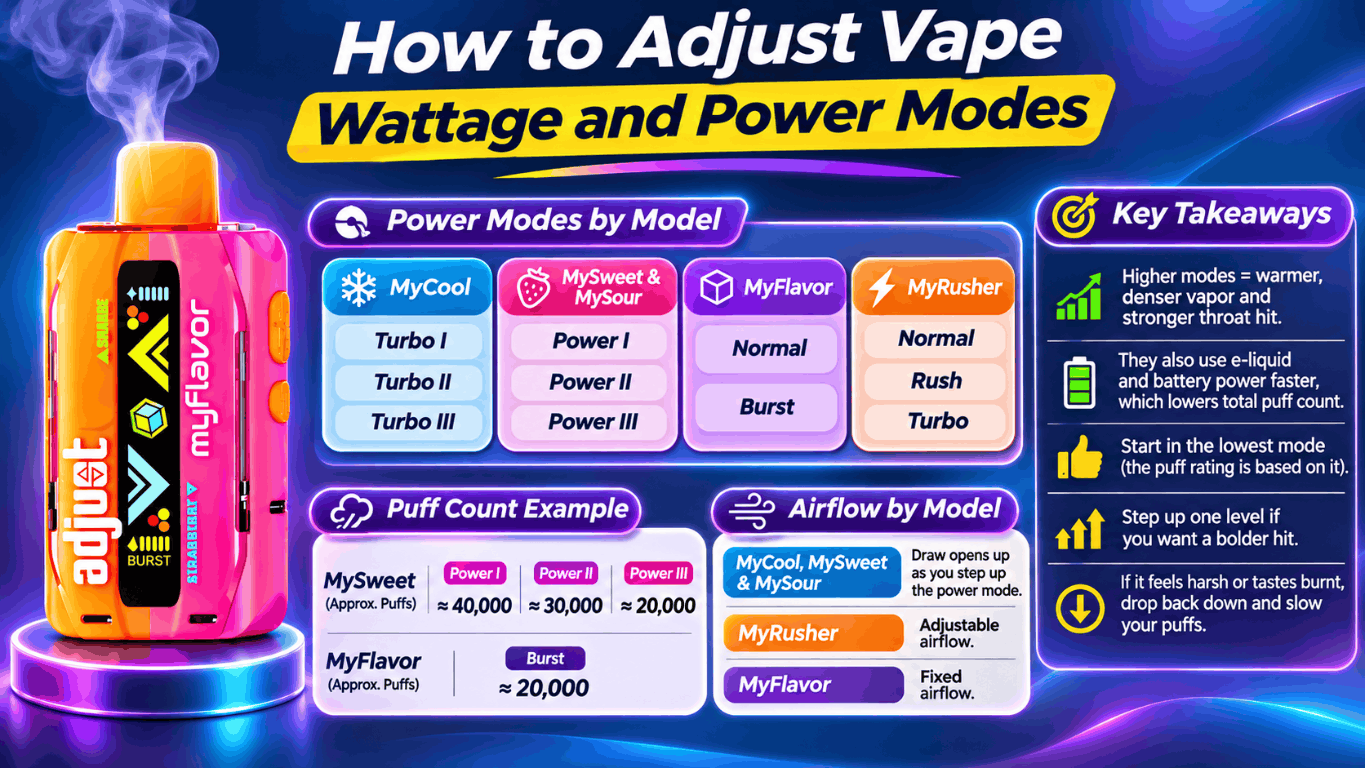
How to Adjust Vape Wattage and Power Modes
Many vapers search for how to adjust vape wattage, but Adjust disposables don’t let you enter a specific wattage like a box mod would. Instead, each model uses preset power modes:
- MyCool: Turbo I, Turbo II, and Turbo III
- MySweet and MySour: Power I, Power II, and Power III
- MyFlavor: Normal and Burst
- MyRusher: Normal, Rush, and Turbo
Higher modes produce warmer, denser vapor and a stronger throat hit. The trade-off is that they use e-liquid and battery power faster, which lowers your total puff count. For example, MySweet is rated for about 40,000 puffs on Power I, 30,000 on Power II, and 20,000 on Power III. MyFlavor drops to around 20,000 puffs in Burst mode.
Airflow works a little differently across the lineup. On MyCool, MySweet, and MySour, the draw opens up as you step up the power mode. MyRusher offers adjustable airflow, while MyFlavor has fixed airflow.
Our recommendation is simple. Start in the lowest mode, since that’s the setting the puff rating is based on. Step up one level only if you want a bolder hit. If you notice a harsh or burnt taste, drop back down and slow your puffs.
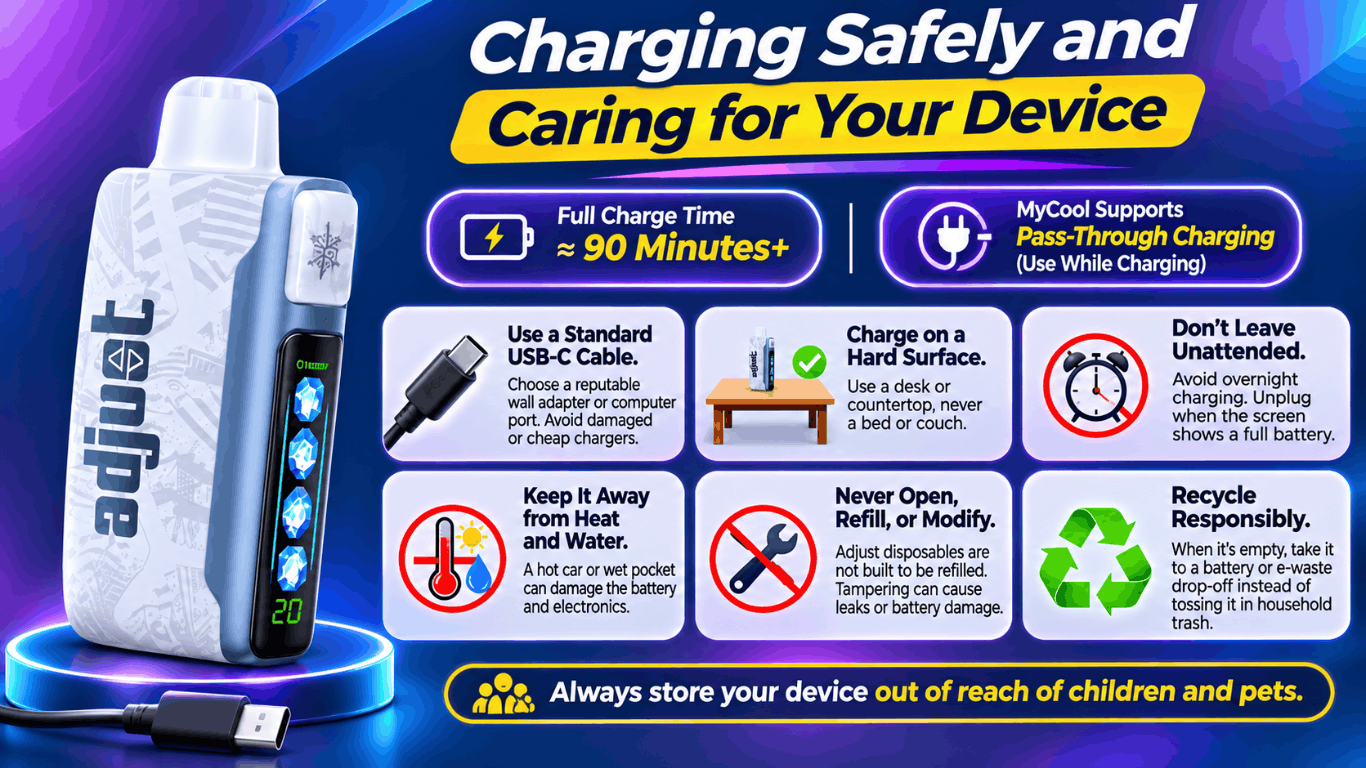
Charging Safely and Caring for Your Device
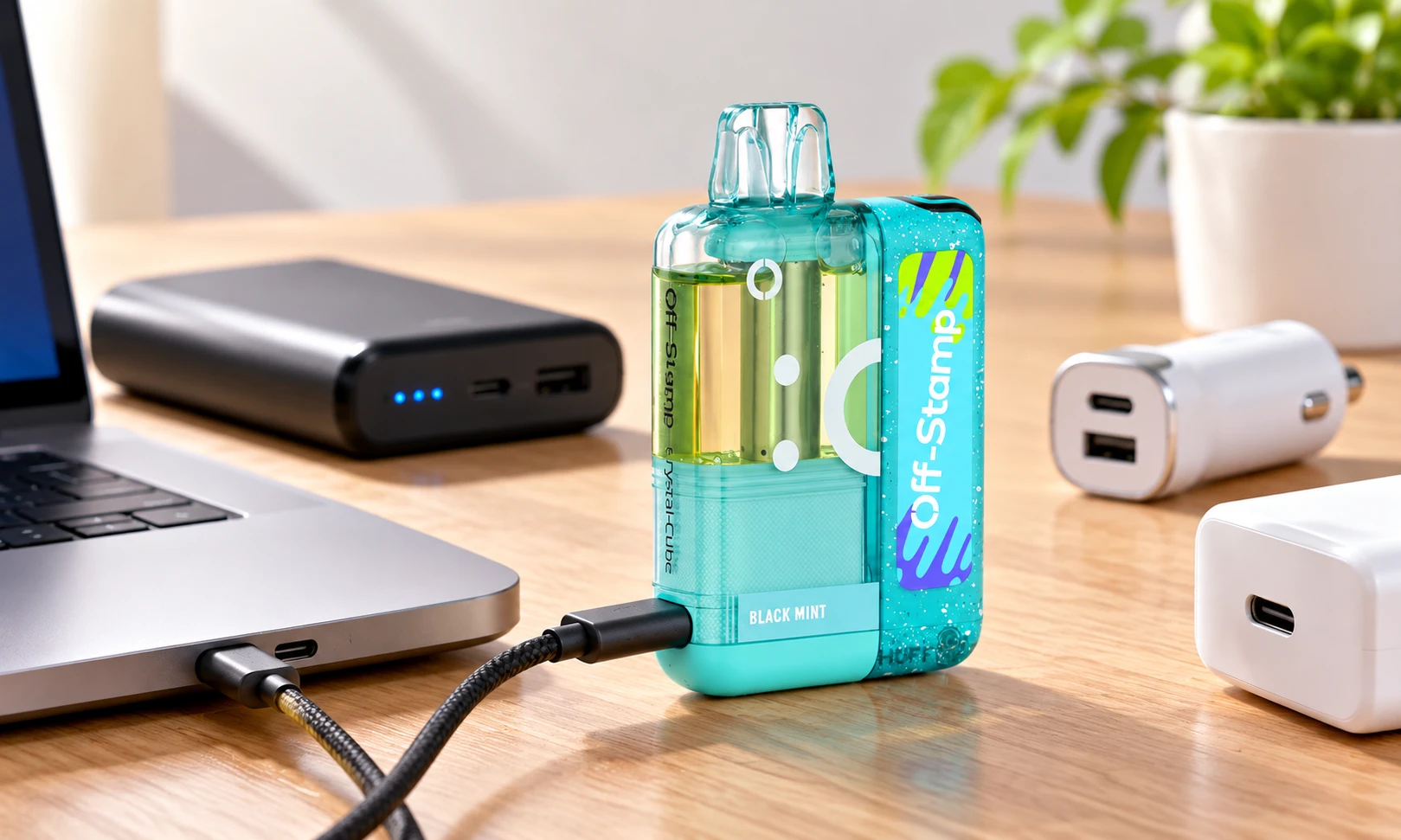
A full charge can take around 90 minutes or more, so plan ahead and top up before you head out. MyCool also supports pass-through charging, which lets you use it while it charges. A little care goes a long way toward a safe, consistent experience:
- Use a standard USB-C cable and a reputable wall adapter or computer port. Avoid damaged cables and cheap, unbranded chargers.
- Charge on a hard, nonflammable surface, such as a desk or countertop, never on a bed or couch.
- Don’t leave it charging unattended or overnight. Unplug once the screen shows a full battery.
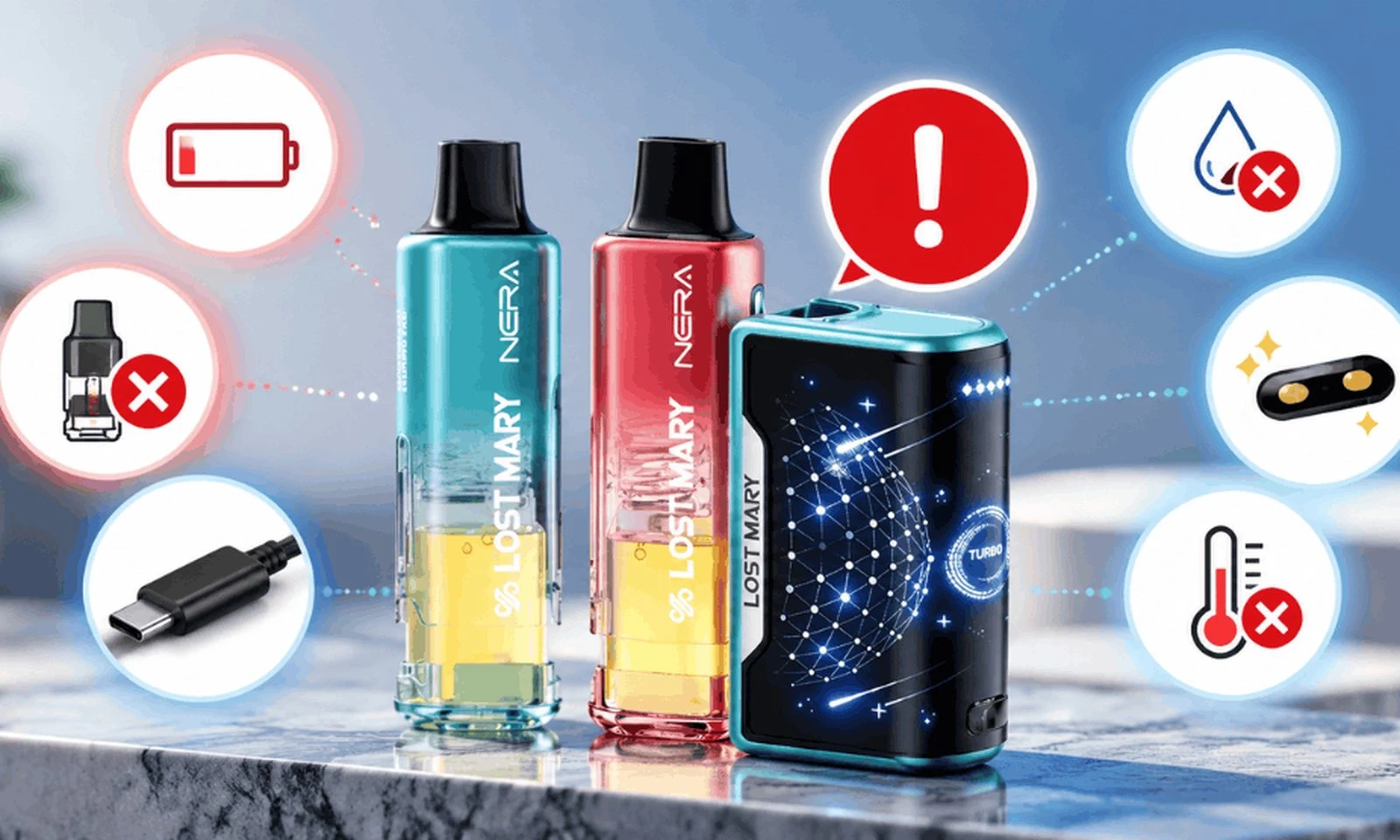
- Keep it away from heat and water. A hot car or a wet pocket can damage the battery and electronics.
- Never open, refill, or modify the device. Adjustable disposables are not built to be refilled, and tampering can cause leaks or battery damage.
- Recycle it responsibly. When it’s empty, take it to a battery or e-waste drop-off instead of tossing it in household trash.
Always store your device out of reach of children and pets.
Quick Troubleshooting Tips
No vapor at all? Check that the bottom slider isn’t in the off position. Then charge the device for 15 to 20 minutes and make sure no sticker is blocking the airflow inlet.
Weak or muted flavor? Switch to a lower power mode for a tighter draw, or try a different level on your adjustment button. On MyFlavor, change the flavor mix instead.
Burnt taste? Lower the power mode, take slower puffs, and pause between draws. If the problem continues near the end of the device’s life, the e-liquid may be running low.
Gurgling or minor leaking? Store the device upright and avoid hard, rapid pulls.
Think of this as your go-to Adjust vape user guide whenever something feels off. A setting is usually the cause, not the device.
Bottom Line
Adjust vapes put you in control of your experience, whether you want more chill, a different flavor balance, less sweetness, extra tang, or a stronger hit. Once you understand your adjustment button, power modes, and safe charging habits, you can enjoy smooth, satisfying sessions from your first puff to your last.
Ready to find your perfect setting? Explore the full Adjust vape collection at LostMaryDirect, including Adjust MyCool, MyFlavor, MySweet, MySour, and MyRusher. You’ll also find popular Lost Mary and Off Stamp devices. If you have questions about a device or your order, our team is happy to help.
- Phone: (720) 328-7756
- Email: support@lostmarydirect.com
- Website: lostmarydirect.com
WARNING: This product contains nicotine. Nicotine is an addictive chemical. For adults 21 and older only.